



Adjusting the sensitivity of a card reader on a tripod turnstile is a crucial task that can significantly impact the efficiency and security of access control systems. As a supplier of Tripod Turnstile with Card Reader, I understand the importance of ensuring that the card reader functions optimally. In this blog post, I will provide a detailed guide on how to adjust the sensitivity of the card reader on a tripod turnstile, covering everything from why it matters to the step-by-step process of making the adjustment.
Why Adjusting Card Reader Sensitivity is Important
The sensitivity of a card reader determines how easily it can detect and read access cards. If the sensitivity is set too low, the card reader may fail to recognize legitimate access cards, leading to delays and frustration for users. On the other hand, if the sensitivity is set too high, the card reader may pick up signals from nearby cards or other sources, resulting in false readings and potential security breaches. Therefore, finding the right balance is essential to ensure smooth operation and reliable access control.
Factors Affecting Card Reader Sensitivity
Several factors can influence the sensitivity of a card reader on a tripod turnstile. These include:
- Card Type: Different types of access cards, such as proximity cards, smart cards, or magnetic stripe cards, have varying signal strengths and frequencies. The card reader needs to be adjusted to match the specific characteristics of the cards being used.
- Environmental Conditions: The surrounding environment can also affect the performance of the card reader. Factors such as electromagnetic interference, temperature, humidity, and dust can interfere with the card reader's signal and reduce its sensitivity.
- Distance and Orientation: The distance between the card and the reader, as well as the orientation of the card, can impact the reading process. If the card is held too far away or at an incorrect angle, the reader may have difficulty detecting the signal.
Preparing for Sensitivity Adjustment
Before you start adjusting the sensitivity of the card reader, it is important to gather the necessary tools and equipment. These may include a screwdriver, a multimeter, and the manufacturer's user manual. Additionally, you should ensure that the tripod turnstile is powered off to prevent any electrical accidents.
Step-by-Step Guide to Adjusting Card Reader Sensitivity
The following steps outline the process of adjusting the sensitivity of a card reader on a tripod turnstile:
- Access the Card Reader Settings: Locate the card reader on the tripod turnstile and identify the settings interface. This may be a physical control panel or a software application. Refer to the manufacturer's user manual for specific instructions on how to access the settings.
- Understand the Sensitivity Settings: Familiarize yourself with the sensitivity settings available on the card reader. These may include options such as "low," "medium," "high," or a numerical value representing the sensitivity level.
- Test the Current Sensitivity: Power on the tripod turnstile and test the card reader using a known good access card. Hold the card at the recommended distance and orientation from the reader and observe whether it is detected and read successfully. If the card is not read, or if there are frequent false readings, it may be necessary to adjust the sensitivity.
- Make Small Adjustments: Start by making small adjustments to the sensitivity settings. If the card reader is not detecting the cards, increase the sensitivity slightly. If there are false readings, decrease the sensitivity. After each adjustment, test the card reader again to evaluate the results.
- Fine-Tune the Sensitivity: Continue making small adjustments and testing the card reader until you achieve the desired level of sensitivity. The goal is to ensure that the card reader can reliably detect and read legitimate access cards while minimizing the occurrence of false readings.
- Document the Settings: Once you have found the optimal sensitivity settings, document them for future reference. This will make it easier to reproduce the settings if needed or to troubleshoot any issues that may arise.
Troubleshooting Common Issues
If you encounter any problems during the sensitivity adjustment process, here are some common issues and their solutions:
- Card Not Detected: If the card reader fails to detect the access card, check the following:
- Ensure that the card is within the recommended distance and orientation from the reader.
- Verify that the card is not damaged or expired.
- Check the card reader's connections and ensure that it is properly powered.
- If the problem persists, try increasing the sensitivity settings slightly.
- False Readings: If the card reader is picking up signals from nearby cards or other sources, resulting in false readings, try the following:
- Decrease the sensitivity settings to reduce the range of the card reader.
- Check for any sources of electromagnetic interference in the vicinity and move the tripod turnstile away from them.
- Ensure that the card reader is properly shielded to prevent external signals from affecting its performance.
- Inconsistent Readings: If the card reader is providing inconsistent readings, even after adjusting the sensitivity settings, it may be a sign of a hardware or software issue. In this case, it is recommended to contact the manufacturer's technical support team for further assistance.
Conclusion
Adjusting the sensitivity of the card reader on a tripod turnstile is a relatively straightforward process that can have a significant impact on the performance and security of access control systems. By understanding the factors that affect card reader sensitivity, following the step-by-step guide outlined in this blog post, and troubleshooting any common issues that may arise, you can ensure that your tripod turnstile operates smoothly and reliably.
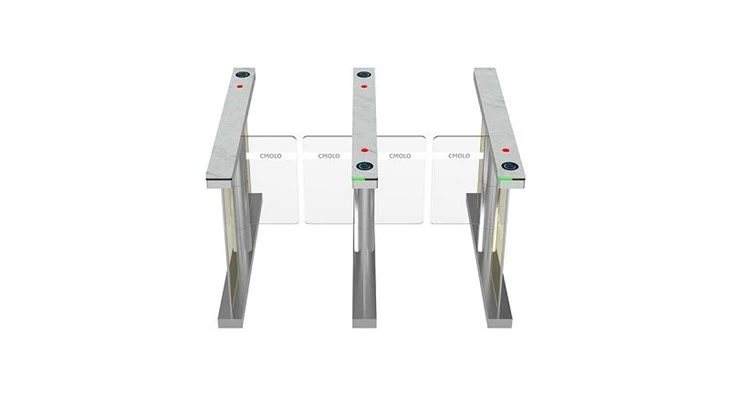
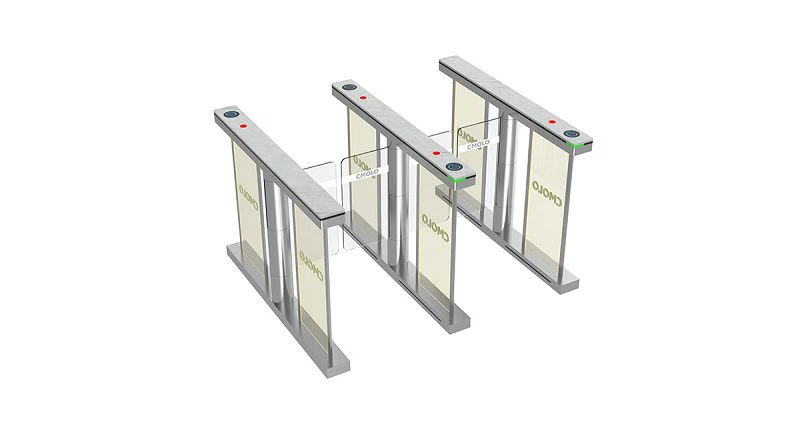
If you are in the market for a high-quality Tripod Turnstile with Card Reader, we invite you to explore our product range. We also offer other innovative access control solutions, such as Bi-directional Swing Barrier Turnstile and Retractable Flap Barrier System. For more information or to discuss your specific requirements, please reach out to us. We look forward to the opportunity to work with you and provide the best access control solutions for your needs.
References
- Manufacturer's user manual for the tripod turnstile and card reader.
- Technical documentation on access control systems and card reader technology.


